127 posts tagged with "MCP"

Model Context Protocol

View All Tags

Stanford Studied 51 Successful Enterprise AI Deployments. The #1 Finding Will Change How You Think About AI.

· 8 min read
MCPBundles

Stanford's Digital Economy Lab just published The Enterprise AI Playbook — a 116-page study of 51 successful enterprise AI deployments across 41 organizations, 9 industries, and 7 countries. The research team, led by Erik Brynjolfsson (one of the most-cited economists on technology), interviewed executives and project leads who deployed AI at scale and measured actual results.

The headline finding: the technology was never the hard part. In 77% of cases, the hardest challenges were invisible — change management, data quality, and process redesign. Not model selection. Not prompt engineering. Not which AI provider to use.

This post pulls out the findings that matter most for anyone building or buying AI tooling today.

Best AI CLI Tools in 2026 — The Complete Guide

· 14 min read
MCPBundles

The terminal is having its best year since the invention of cloud infrastructure.

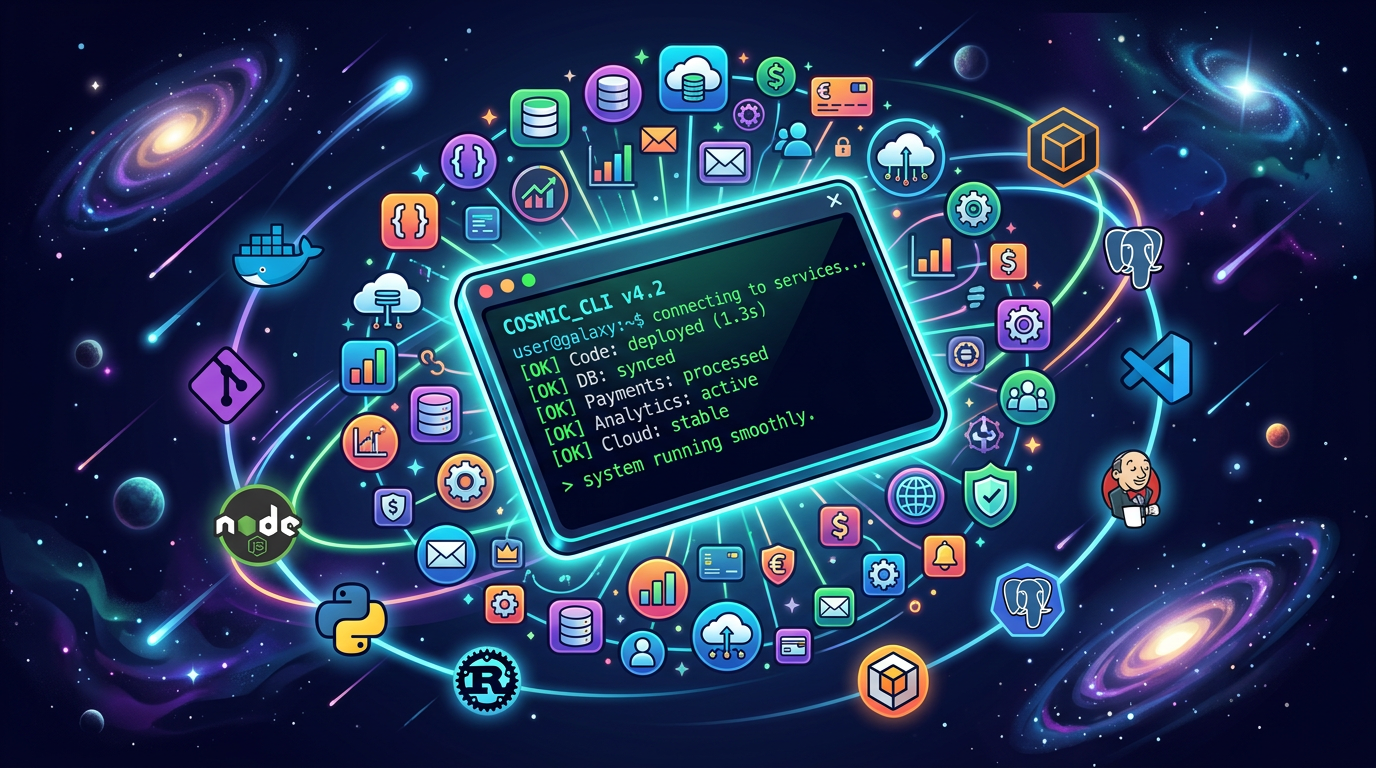
Every major AI lab shipped a coding agent CLI. Every major SaaS company shipped or meaningfully updated a service CLI. And a new category is emerging — CLIs that connect the two, giving your coding agent access to production services without leaving the terminal.

We've been running MCPBundles for over a year — a platform where teams connect AI agents to production APIs. We built a CLI because we kept watching agents context-switch between writing code and needing to call Stripe, query a database, or check analytics. This guide covers everything worth installing in 2026, organized by what it actually does for you.

Best AI CLI Tools in 2026

OpenClaw MCP Tools: Give Your Personal AI 10,000+ Real-World Tools

· 16 min read
MCPBundles

OpenClaw — the open-source personal AI assistant with over 340,000 GitHub stars — now supports MCP. That means it can connect to any MCP server and use external tools as first-class capabilities. Your personal AI can go from answering questions to actually doing things across your services.

We've been watching OpenClaw's growth since late 2025. It runs on your hardware, works with Claude, GPT-4, Gemini, DeepSeek, and local models through Ollama, and connects to 20+ messaging platforms — WhatsApp, Telegram, Discord, Slack, Signal, iMessage. It already had 3,200+ skills on ClawHub. What it didn't have was a standardized way to reach the services those skills talked about.

MCP changes that. And MCPBundles makes it trivial.

Personal AI assistant connecting to production services through MCP

I Ship MCP Apps to Both ChatGPT and Claude — Here's What Actually Works

· 13 min read
MCPBundles

MCP Apps look simple in the spec. Your tool returns HTML, the host renders it in an iframe, the user sees a dashboard instead of a wall of JSON. Build one app, it works everywhere.

In practice, I've shipped MCP Apps to both ChatGPT and Claude over the past few months and learned that "works everywhere" requires handling a surprising number of sharp edges — iframe sandboxing, data format differences, a picky initialization handshake, and an interactive tool-calling pattern that's barely documented anywhere.

Here's everything I've learned, with the exact code for each one.

MCP vs CLI Is the Wrong Debate — Here's What Actually Matters

· 12 min read
MCPBundles

There's a war happening on Reddit right now, and it's getting heated.

On one side: developers who believe the Model Context Protocol is overengineered middleware — that AI agents should just call gh issue create and curl like any terminal user. On the other: engineers running MCP in production who say the skeptics will inevitably reinvent every feature MCP provides, just worse.

Both sides are partially right. But the debate itself is framed wrong.

I spent the last day using our MCPBundles CLI to search Reddit via MCP tools — browsing posts, pulling comment threads, analyzing arguments — all through authenticated MCP tool calls executed from the command line. The irony was not lost on me: I was using CLI to call MCP to read arguments about whether we need MCP or CLI.

The answer, as it turns out, is both. But not in the way most people think.

When AI Needs Hands: Crowdsourcing Human Workers via MCP

· 8 min read
MCPBundles

We ran into a problem a few weeks ago that none of our tools could solve. It wasn't a technical problem — the code was fine, the infra was fine. We just needed someone to go do a thing on a website. Sign up, click around, grab some information, paste it into a form. Repeat a bunch of times.

AI couldn't do it. The sites had captchas, email verification, multi-step flows. We tried browser automation and it broke immediately. We needed a person.

So we thought: what if our AI agent could just hire one?

Cartoon illustration of an AI robot reaching through a portal to hand tasks to human workers around the world

Obsidian MCP Server: Connect Your AI to Your Vault (Claude, ChatGPT, Cursor)

· 16 min read
MCPBundles

Most Obsidian MCP servers give you six tools: read a file, write a file, search, list, patch, delete. Basic CRUD over Markdown. That's table stakes.

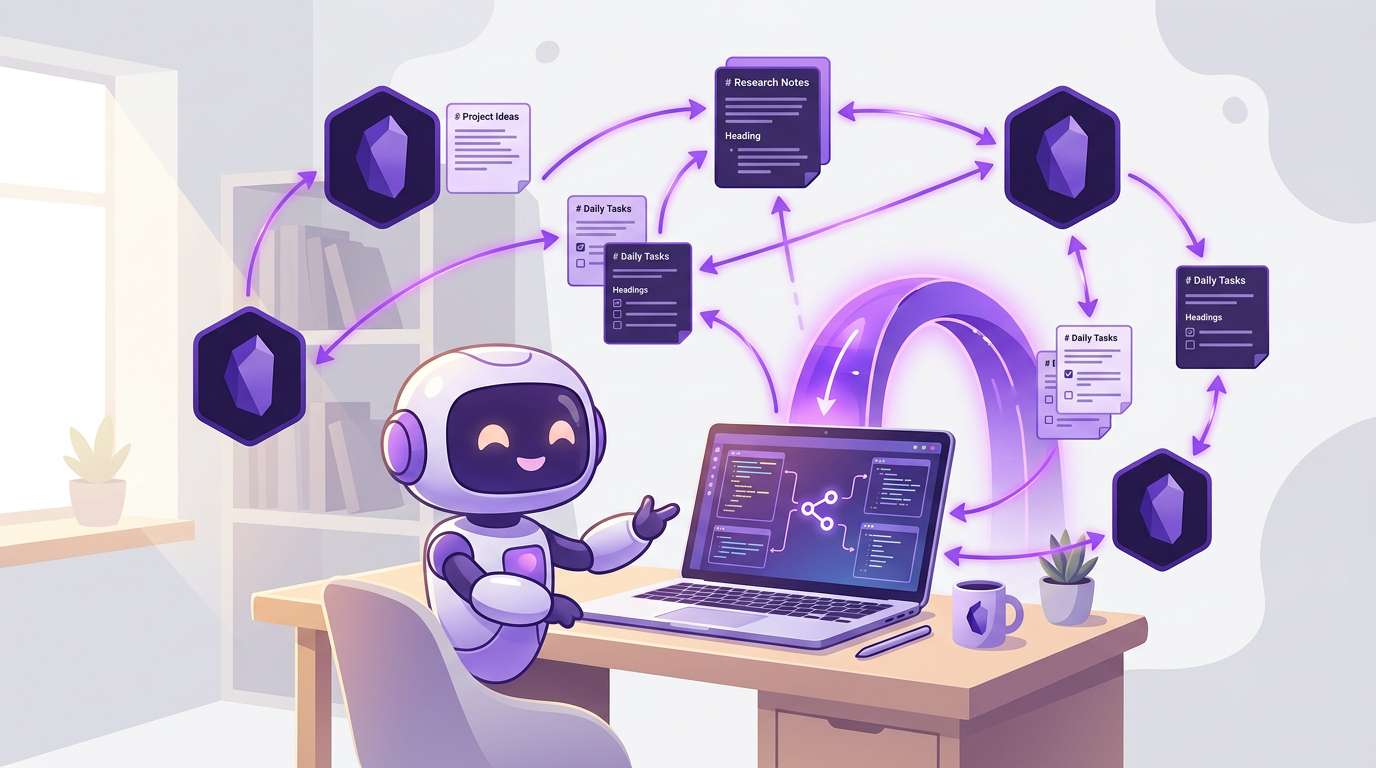
This one does things the others can't. Your AI sees images in your vault — diagrams, whiteboard photos, screenshots — through actual vision, not file paths. It traverses your wikilink graph and finds orphaned notes nothing links to. It edits a specific section of a document by heading or block reference without overwriting the rest. It lists every open task across your entire vault. It runs Obsidian commands directly from the command palette.

It works with Claude Desktop, ChatGPT, Cursor, Windsurf, or any MCP client. No npm install, no local server, no JSON config. One remote URL and your AI has the tools.

Cartoon illustration of AI assistant interacting with Obsidian vault notes, tags, and wikilinks through a secure proxy tunnel
Your AI navigates your vault, sees your images, analyzes your graph, manages tasks, and surgically edits any section of any note.

Best MCP Servers in 2026 — The Definitive List (Updated May)

· 25 min read
MCPBundles

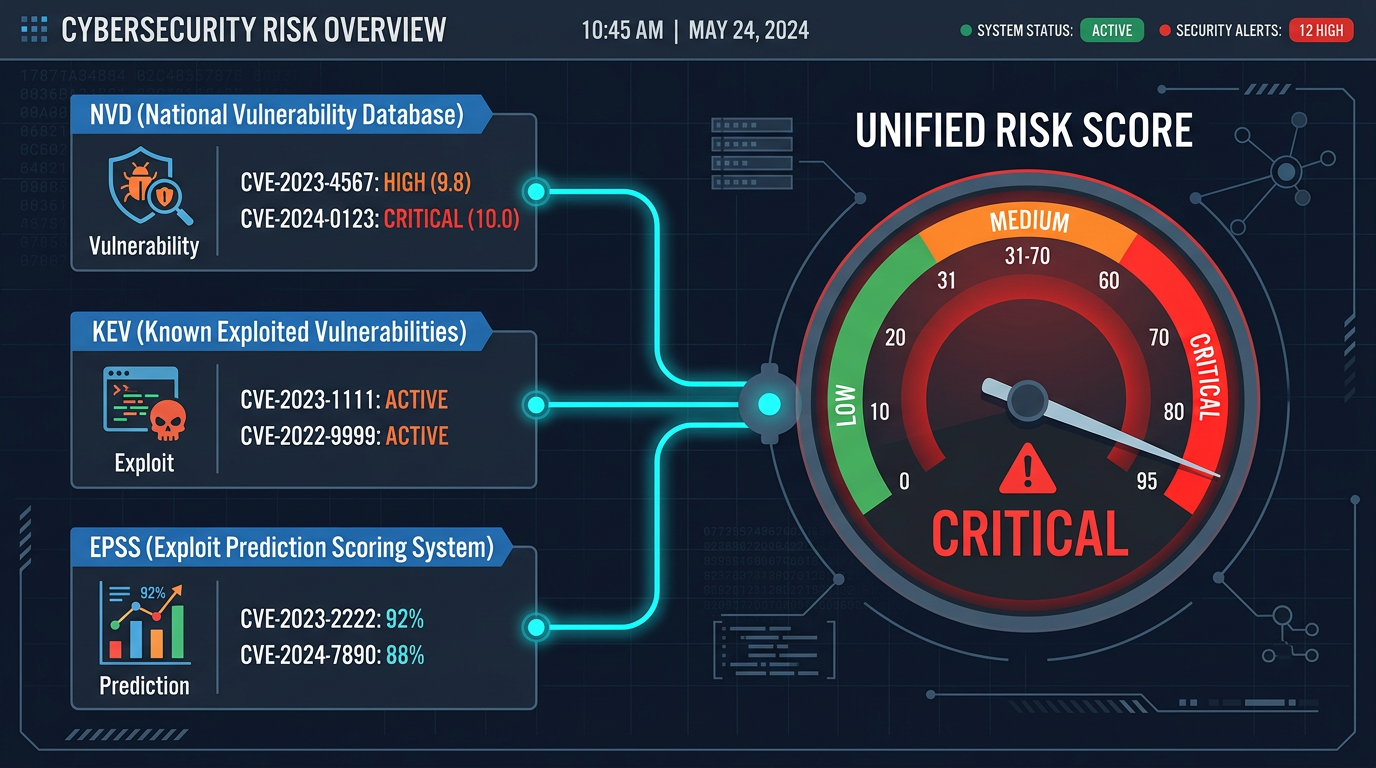
The Glama directory lists 22,775 MCP servers as of May 2026. Most are weekend projects. Some are brilliant. BlueRock Security found 36.7% of public MCP servers carry SSRF vulnerabilities, 41% have no authentication at all, and only 8.5% use OAuth — so a "list of every MCP server" is not a useful list.

This guide is the opposite: the ~80 servers that real teams run in production, grouped by job. Four to five of them will cover 80% of what you ask your AI to do. We've been running MCPBundles for over a year — a platform where teams connect their AI agents to production APIs — and have tested, wrapped, and maintained MCP servers for hundreds of services. This is what we've learned about which ones are worth your time, what to skip, and why.

Best MCP Servers in 2026

Cursor MCP Tools: Give Your AI Coding Agent 10,000+ Real API Tools

· 7 min read
MCPBundles

Here's the thing nobody tells you about Cursor's agent mode: it's brilliant at working with code and completely blind to everything your code talks to.

Last week we were debugging a webhook handler. Cursor had the code open, understood the control flow, spotted a race condition in the retry logic. Genuinely impressive. Then we needed to know whether the bug was actually hitting production — were customers seeing duplicate charges? The agent that just did 15 minutes of sophisticated code analysis couldn't answer a basic factual question about our own Stripe data.

So we opened a browser tab, logged into Stripe, searched for the customer, scrolled through PaymentIntents, compared timestamps manually, went back to Cursor, and typed what we found. The AI had all the context and none of the data.

We got tired of being the copy-paste bridge between our IDE and our dashboards.

Developer using Cursor with MCP tools connected to production services

MCP Marketplace: Browse 500+ Providers and 10,000+ AI Tools

· 5 min read
MCPBundles

Glama indexes 20,000+ MCP servers. Smithery has 8,000+. mcp.so has 6,000+. There's no shortage of servers to find.

The problem is everything that happens after you find one.

You pick a promising-looking Stripe MCP server from a directory. Now you need to clone the repo, install its dependencies (hope they don't conflict with yours), figure out whether it uses env or args for the API key, add your key to a JSON config file in plaintext, start the process, and configure your AI client to talk to localhost:3000. If you're lucky, it works. If the repo hasn't been updated in three months, it probably doesn't.

Repeat that for every service you want to connect. We got to five local MCP server processes before we gave up and built something better.

MCP Marketplace — browse and connect AI tools

MCP Server Hosting: Run Remote MCP Servers Without Infrastructure

· 6 min read
MCPBundles

If you've set up an MCP server before, you know the drill. Clone a repo. Install dependencies. Add your API key to a JSON config file. Start the process. Configure your AI client to connect to localhost:3000. Repeat for every service you want to use.

It works. Until it doesn't. The process crashes silently. Your laptop sleeps and the server dies. You upgrade Node and the dependencies break. A teammate wants access and you're sharing API keys over Slack. You add a third service and now you're managing three server processes, three config files, and three sets of credentials in plaintext on your machine.

Local MCP servers are fine for trying things out. For daily use across a team, you need hosting.

Remote MCP server hosting

MCPBundles CLI: Give Your AI Coding Agent Access to 10,000+ Production Tools

· 7 min read
MCPBundles

MCPBundles has always worked as an MCP server. You add it to Claude Desktop, Cursor, ChatGPT, or any MCP-compatible client, and your AI gets access to Stripe, HubSpot, Postgres, PostHog, Gmail, and every other service you've connected — with real credentials, real permissions, and real data.

The MCPBundles CLI is an alternative way to access those same tools. Instead of configuring MCPBundles as a remote MCP server in your client, you install a command-line tool and authenticate with an API key. The AI agent discovers and calls your tools through shell commands — the same 10,000+ tools, the same credentials, the same workspace permissions.

pip install mcpbundles